
Best Gaming Laptops Under ₹1,50,000 in India
At ₹1,50,000 you can buy an RTX 5050 laptop for ₹1,25,599 — or an RTX 3050 for ₹1,39,990. Here are the models worth buying, with live prices and what to avoid.
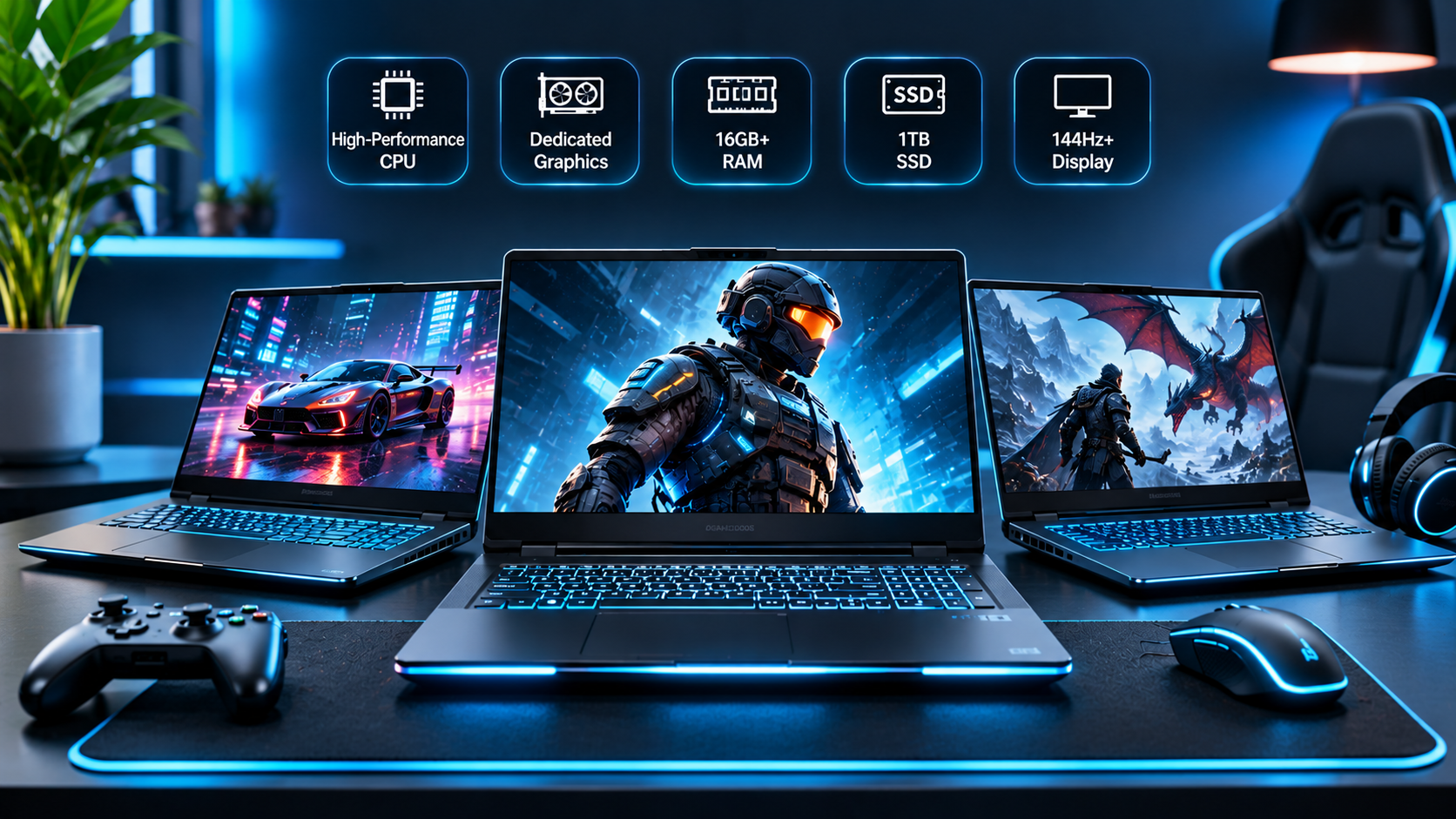
₹1,50,000 should buy you a superb gaming laptop in India. Very often, it does not — and the reason is the most expensive mistake in this entire segment.
Right now you can buy a laptop at ₹1,30,990 with an RTX 3050, or a laptop at ₹1,25,599 with an RTX 5050. The second one is cheaper and dramatically faster. Both sit on the same shelf, both say "gaming laptop", and nothing in the listing warns you.
That single trap is worth more than any other advice in this guide. This is a budget with genuinely excellent options and genuinely terrible ones at almost identical prices, and telling them apart takes about ninety seconds once you know what to look at.
Below: what this money should buy, the models actually worth your money at current prices, what performance to expect, and the specific configurations to walk away from.
What ₹1,50,000 Buys in 2026
At this budget you should expect all of the following, and accept nothing less:
- An RTX 4050 at minimum, and an RTX 5050 if you are spending above ₹1,20,000
- A current-generation H or HX-series processor with at least 8 cores
- 16GB of RAM, preferably as two sticks, with a free slot
- 512GB NVMe minimum, 1TB at the upper end
- A 144Hz or faster 1080p panel — 165Hz and 180Hz both appear in this range
- Proper dual-fan cooling in a chassis thick enough to use it
What this budget still does not reliably buy: OLED panels, high-refresh 1440p gaming with ray tracing enabled, or a genuinely thin machine that also performs. Those remain above ₹1,80,000 — the territory of machines like the dual-screen ROG Zephyrus Duo, which shows what the ceiling of the market looks like.
If this is more than you want to spend, our guide to the best gaming laptops under ₹50,000 covers the entry-level tier. If you are new to this and want the fundamentals first, our explainer on how to choose a gaming laptop walks through the basics in plain language.
The Mistake That Costs ₹20,000
Look carefully at what is actually on sale in this bracket today:
| Laptop | Graphics | Price | Verdict |
|---|---|---|---|
| Lenovo LOQ (Ryzen 7 155) | RTX 3050 | ₹1,39,990 | Badly overpriced |
| Lenovo LOQ Essential (Ryzen 5) | RTX 3050 | ₹1,30,990 | Badly overpriced |
| Dell Alienware 15 (Ryzen 7 260) | RTX 3050 | ₹1,14,990 | Paying for the badge |
| Acer Nitro V 15 (i7-13620H) | RTX 5050 | ₹1,25,599 | Far better value |
| GIGABYTE A16 (i5-13420H) | RTX 4050 | ₹1,09,990 | Excellent value |
Read that table twice. You can spend ₹14,391 more and receive a slower graphics card. The RTX 3050 is two generations old, lacks DLSS frame generation entirely, and in demanding modern titles delivers roughly half the frame rate of an RTX 5050.
Brand reputation is doing the work here. A premium nameplate on an entry-level GPU is still an entry-level GPU, and at ₹1,30,000 an RTX 3050 is simply not defensible.
The rule: at this budget, check the graphics card before anything else. If it says 3050 and the price starts with 1,2 or above, keep scrolling.
Understanding the GPU Ladder
Three graphics cards dominate this price range, and the gaps between them are far larger than the model numbers suggest.
RTX 3050 — Avoid Above ₹1,00,000
Two generations old. Handles esports titles comfortably and manages older AAA games at medium settings. It does not support DLSS frame generation, which increasingly separates playable from sluggish in new releases. Acceptable below ₹1,00,000. Poor value above it.
RTX 4050 — The Sensible Minimum
The practical floor at this budget. Supports DLSS frame generation, which can add 40–60% to frame rates in supported titles — and most major releases now support it. Comfortable 60fps at high settings in current AAA games. Usually paired with 6GB of VRAM.
RTX 5050 — The One to Target
The current generation, and it appears in this budget at surprisingly reasonable prices. Ships with 8GB of VRAM rather than 6GB, which matters increasingly as game texture budgets grow. Newer architecture, better efficiency, and the longest useful life of the three.
If you are spending above ₹1,20,000, an RTX 5050 should be your default expectation rather than a bonus.
The Specifications That Actually Decide Performance
GPU Power Limit — The Number Nobody Prints
The same graphics chip can be configured anywhere from roughly 45W to 115W depending on the chassis it sits in. That is a performance swing of up to 30% between two laptops advertising the identical card.
Thin machines run low limits because they cannot shed the heat. Thicker gaming chassis run high ones. Retail listings almost never state the figure — the MSI Katana is a rare exception, printing "75W" directly in its product name, which is genuinely to its credit.
When a gaming laptop looks unusually slim for its specification, assume a conservative power limit.
Processor
Gaming at 1080p is overwhelmingly GPU-limited, so processor choice matters less than the marketing implies. Look for an H or HX suffix — the full-power mobile parts. HX chips are desktop-derived and genuinely stronger for streaming, editing and heavy multitasking.
Paying ₹10,000 extra to move from an i5 to an i7 while keeping the same GPU is poor value for pure gaming. Spend it on the graphics card instead.
RAM — Free Performance Most Buyers Miss
16GB is standard here, but the arrangement matters. A single 16GB stick runs single-channel; two 8GB sticks run dual-channel and can add 10–15% to frame rates at no additional cost.
Manufacturers frequently ship one stick to save money. Check whether the listing says "2 x 8GB" or "1 x 16GB" — and if it is a single stick with a free slot, adding a second is the cheapest meaningful upgrade available.
Storage and Display
512GB fills quickly when individual games exceed 100GB. Several machines in this range now ship 1TB, which is worth paying a modest premium for. Otherwise, confirm there is a second M.2 slot free.
For displays, 144Hz is the floor; 165Hz and 180Hz panels both appear here. Also check brightness (250 nits minimum, 300 preferred) and colour coverage — "45% NTSC" is marketing language for a washed-out panel.
The Best Gaming Laptops Under ₹1,50,000
Organised by price tier. Figures reflect listed prices at the time of writing and move with sales and bank offers, so check the live listing before buying.
Entry Tier: ₹89,990 – ₹1,02,990
MSI Katana 15 — ₹89,990
Core i5-13420H · 16GB · 1TB SSD · RTX 3050 6GB · 144Hz · 75W
The best genuine bargain on this list. A full 1TB SSD at under ₹90,000 is unusual, and MSI openly states the 75W GPU power limit, which is more transparency than most competitors offer. The RTX 3050 is dated, but at this price that is a fair trade rather than a con.
Build quality is functional rather than premium and it runs warm under sustained load.
Buy the MSI Katana 15 on Flipkart
Acer Aspire 7 — ₹92,488
Core 5 210H · 16GB · 512GB · RTX 3050 4GB
Not marketed as a gaming laptop, which is exactly its appeal. A plain metal chassis that looks entirely at home in an office or lecture hall, with enough graphics power for comfortable 1080p gaming. The 4GB VRAM is the limitation, and the power limit is conservative.
Buy the Acer Aspire 7 on Flipkart
ASUS TUF Gaming A15 (2026) — ₹98,264
Ryzen 7 170 · 16GB · 512GB · RTX 3050 4GB · 144Hz
The TUF line is built to military-standard durability testing, and it shows — firm hinges, minimal flex, a keyboard rated for heavy use. The Ryzen 7 delivers strong multi-core performance and noticeably better battery life than Intel equivalents, which matters if this doubles as a college machine.
Heavy, with a large charging brick. The 4GB VRAM holds it back in newer titles.
Buy the ASUS TUF Gaming A15 on Flipkart
The Sweet Spot: ₹1,09,990 – ₹1,19,600
This tier offers the best balance on the entire list.
GIGABYTE A16 — ₹1,09,990 — Best Value Overall
Core i5-13420H · 16GB · 512GB · RTX 4050 6GB
The cheapest route to an RTX 4050 here, and consequently the cheapest route to DLSS frame generation. GIGABYTE is less visible in Indian retail than HP or Acer, which is precisely why the pricing is aggressive — you are not paying a brand premium.
The trade-off is service network reach, which is thinner than Acer's or HP's outside major cities. Worth weighing if you are not in a metro.
Buy the GIGABYTE A16 on Flipkart
HP Victus 15 (24GB) — ₹1,16,990
Core 5 210H · 24GB DDR5 · 512GB · RTX 4050 6GB
A rare factory configuration with 24GB of RAM, which removes any need to upgrade memory later and genuinely helps if you stream, edit video or keep dozens of browser tabs open while gaming. The Victus chassis cools competently and the design is restrained enough for professional settings.
Heavy, and battery life away from gaming is unremarkable.
Buy the HP Victus 24GB on Flipkart
HP Victus 15 (144Hz) — ₹1,19,600
Core i5-13420H · 16GB · 512GB · RTX 4050 6GB · 144Hz
The conventional, reliable choice — HP's widest-selling gaming configuration, with a confirmed 144Hz panel and the strongest service network of any brand here. Almost never the wrong answer, even when it is not the sharpest value.
Buy the HP Victus 144Hz on Flipkart
Top Tier: ₹1,25,599 – ₹1,50,000
Acer Nitro V 15 — ₹1,25,599 — Best Overall Pick
Core i7-13620H · 16GB · 512GB · RTX 5050 8GB
This is the standout machine on the list. A current-generation RTX 5050 with 8GB of VRAM, paired with a Core i7, for less than several competitors charge for an RTX 3050. Acer also keeps the chassis easy to open, so RAM and storage upgrades are straightforward.
Build quality is the compromise — the plastics flex and it does not feel premium. It simply performs far better than anything near its price.
Buy the Acer Nitro V 15 on Flipkart
Acer Nitro V 16S — ₹1,25,990 — Best Display
Core 5 210H · 16GB · 512GB · RTX 5050 8GB · 16-inch 180Hz
Essentially the Nitro V 15 with a larger, faster screen for ₹391 more. A 16-inch 180Hz panel is a meaningful upgrade for competitive play and for anything involving long working sessions. If you do not need the smaller footprint, this is the better buy of the two.
Buy the Acer Nitro V 16S on Flipkart
Acer Nitro 5 — ₹1,44,990
Core i5-14450HX · 16GB · 1TB · RTX 5050 8GB · 16-inch
The HX-series processor is the draw here — desktop-derived, considerably stronger for streaming, rendering and heavy multitasking than the standard H chips elsewhere on this list. Pair that with a 1TB drive and a 16-inch screen and it becomes a genuine workstation that games.
Large, heavy, and you are paying roughly ₹19,000 over the Nitro V 16S for the processor and storage.
Buy the Acer Nitro 5 on Flipkart
HP Victus AI — ₹1,50,000
Ryzen 7 260 · 16GB · 1TB · RTX 5050 8GB
Sitting exactly at the budget ceiling, this pairs a capable Ryzen 7 with an RTX 5050 and a 1TB drive in HP's well-cooled, understated Victus chassis — plus HP's service network, which is the broadest in India.
You pay a clear premium over the Acer equivalents for build quality and support rather than for extra speed.
Buy the HP Victus AI on Flipkart
Full Comparison
| Model | Price | GPU | Processor | Storage | Best for |
|---|---|---|---|---|---|
| MSI Katana 15 | ₹89,990 | RTX 3050 6GB | i5-13420H | 1TB | Tight budgets |
| Acer Aspire 7 | ₹92,488 | RTX 3050 4GB | Core 5 210H | 512GB | Discreet looks |
| ASUS TUF A15 | ₹98,264 | RTX 3050 4GB | Ryzen 7 170 | 512GB | Durability |
| GIGABYTE A16 | ₹1,09,990 | RTX 4050 6GB | i5-13420H | 512GB | Best value |
| HP Victus 24GB | ₹1,16,990 | RTX 4050 6GB | Core 5 210H | 512GB | Multitasking |
| HP Victus 144Hz | ₹1,19,600 | RTX 4050 6GB | i5-13420H | 512GB | Safe default |
| Acer Nitro V 15 | ₹1,25,599 | RTX 5050 8GB | i7-13620H | 512GB | Best overall |
| Acer Nitro V 16S | ₹1,25,990 | RTX 5050 8GB | Core 5 210H | 512GB | 16" 180Hz screen |
| Acer Nitro 5 | ₹1,44,990 | RTX 5050 8GB | i5-14450HX | 1TB | Creator work |
| HP Victus AI | ₹1,50,000 | RTX 5050 8GB | Ryzen 7 260 | 1TB | Build and support |
What Performance to Expect
| Game type | RTX 3050 | RTX 4050 | RTX 5050 |
|---|---|---|---|
| Esports titles, low-medium | 144+ fps | 200+ fps | 240+ fps |
| Online shooters, high | 70–90 fps | 110–130 fps | 130–150 fps |
| Recent AAA, high | 35–45 fps | 60–75 fps | 75–90 fps |
| Demanding new releases | 25–35 fps | 50–60 fps with DLSS | 65–80 fps with DLSS |
| Ray tracing enabled | Not realistic | Playable with DLSS | Comfortable with DLSS |
All figures at 1080p. The RTX 3050 column explains the entire argument against paying premium prices for it — in the games people buy a gaming laptop to play, it is roughly half as fast as the current generation.
What to Avoid at This Budget
Any RTX 3050 above ₹1,00,000. The clearest rule in this guide. At ₹1,30,000 you are paying flagship money for entry-level performance.
Paying for processor branding. An i7 with an RTX 4050 will lose to an i5 with an RTX 5050 in every game. The GPU decides your frame rate.
60Hz displays. They still appear occasionally even at these prices. Walk away.
4GB VRAM above ₹1,00,000. Modern textures are outgrowing 4GB, and it is the specification most likely to force settings down within two years.
Factory storage upgrades. Manufacturers charge heavily for larger drives. Buy the base configuration and add an SSD yourself for a fraction of the cost — provided a slot is free.
How to Pay Less
Gaming laptop prices in India swing considerably — ₹10,000 to ₹20,000 on the same machine depending on timing. Festive sales and end-of-quarter clearances cut deepest, and previous-generation models fall hardest immediately after a new line launches.
The listed price is rarely the real price either. Bank card discounts, no-cost EMI, exchange bonuses and platform coupons frequently stack, routinely taking several thousand rupees off. Compare both major platforms before buying — they run different offers and undercut each other on the same model within the same week.
Check current listings on Flipkart and Amazon before committing.
Upgrades Worth Doing Immediately
- Add a second RAM stick if yours shipped with one — the cheapest frame rate gain available
- Add a second SSD if a slot is free, especially on 512GB configurations
- Use a cooling pad — unglamorous, but it reliably sustains higher clock speeds
- Switch the performance profile in the manufacturer's software. Many laptops ship in a balanced mode that quietly caps performance, and plenty of owners never find it
Frequently Asked Questions
Which is the best gaming laptop under ₹1,50,000 in India?
The Acer Nitro V 15 at ₹1,25,599 is the strongest overall choice, pairing a current-generation RTX 5050 with 8GB of VRAM and a Core i7 processor for less than many rivals charge for older graphics cards. The Acer Nitro V 16S at ₹1,25,990 is the better pick if you prefer a larger 16-inch 180Hz display.
Should I buy an RTX 3050 laptop in 2026?
Only below ₹1,00,000. The RTX 3050 is two generations old and does not support DLSS frame generation. Above ₹1,00,000 there are RTX 4050 and RTX 5050 options that deliver substantially better performance for the same or less money.
What is the difference between RTX 4050 and RTX 5050?
The RTX 5050 is the newer generation and typically ships with 8GB of VRAM rather than 6GB, with a more efficient architecture and better performance. At the same price the RTX 5050 is the better buy, and it will stay usable longer as games grow more demanding.
Is 16GB RAM enough for gaming in 2026?
Yes, 16GB is sufficient for current games. What matters more is whether it is configured as two 8GB sticks rather than one 16GB stick, since dual-channel memory can add 10 to 15 percent to frame rates at no extra cost.
Which brand is best for gaming laptops in India?
Acer generally offers the most performance per rupee, HP has the widest service network, ASUS TUF models are the most durable, and MSI often leads on value at the entry level. Choose based on the specific configuration and price rather than the brand.
Can I play demanding AAA games at this budget?
Yes. An RTX 4050 or RTX 5050 machine handles current AAA titles comfortably at 1080p with high settings, typically between 60 and 90 fps, and higher with DLSS enabled.
Do I need 1TB storage or is 512GB enough?
512GB fills quickly, as several modern games exceed 100GB each. A 1TB configuration is worth a modest premium, but adding your own SSD later is usually cheaper than paying the manufacturer, provided a second M.2 slot is free.
Is an HX processor worth paying extra for?
For gaming alone, no — the graphics card determines frame rates at 1080p. HX chips are worth the premium if you also stream, edit video or run heavy multitasking workloads, where the extra processing power is genuinely used.
What refresh rate should I look for?
144Hz is the minimum at this budget, with 165Hz and 180Hz panels also available. A 60Hz display wastes the capability of a dedicated graphics card and the difference is immediately visible in fast-paced games.
Do gaming laptops at this price overheat?
Thicker chassis manage heat considerably better than slim ones. Machines like the HP Victus and Acer Nitro series are designed with proper dual-fan cooling. A cooling pad and periodic dust cleaning make a measurable difference over the life of the laptop.
When is the best time to buy a gaming laptop in India?
During major festive sale periods and end-of-quarter clearances, when prices can drop by ₹10,000 to ₹20,000. Previous-generation models fall most sharply shortly after a new generation launches.
Are these laptops good for video editing and 3D work?
Yes. An RTX 5050 with 8GB of VRAM handles 1080p and 4K editing well, and the HX-based configurations are notably stronger for rendering. Heavy professional 3D work benefits from more VRAM and memory, which means spending above this budget.
Should I buy a gaming laptop or build a desktop for ₹1,50,000?
A desktop will deliver considerably more performance for the same money and stays upgradeable for years. Choose a laptop only if portability genuinely matters — if the machine will live permanently on one desk, a desktop is better value. If your connection is fast and stable, cloud gaming is also worth considering as an alternative.
The Verdict
₹1,50,000 buys an excellent gaming laptop in India, provided you ignore the branding and read the graphics card.
If you want one recommendation: the Acer Nitro V 15 at ₹1,25,599, or the Nitro V 16S at ₹1,25,990 if you prefer the larger 180Hz screen. Both deliver a current-generation RTX 5050 with 8GB of VRAM for well under the budget ceiling, leaving room for an SSD upgrade and a decent mouse.
On a tighter budget, the GIGABYTE A16 at ₹1,09,990 is the cheapest sensible entry to DLSS frame generation. If after-sales support matters most, the HP Victus AI at ₹1,50,000 justifies its premium through service reach rather than speed.
And the one thing to carry away: at this budget, a cheaper laptop is frequently the faster laptop. Check the GPU first, every time.



0 Comments