
Top 7 AI Video Generators in 2026
Three years ago, AI-generated video meant glitchy, five-second clips with melting hands and incoherent physics that went viral for being
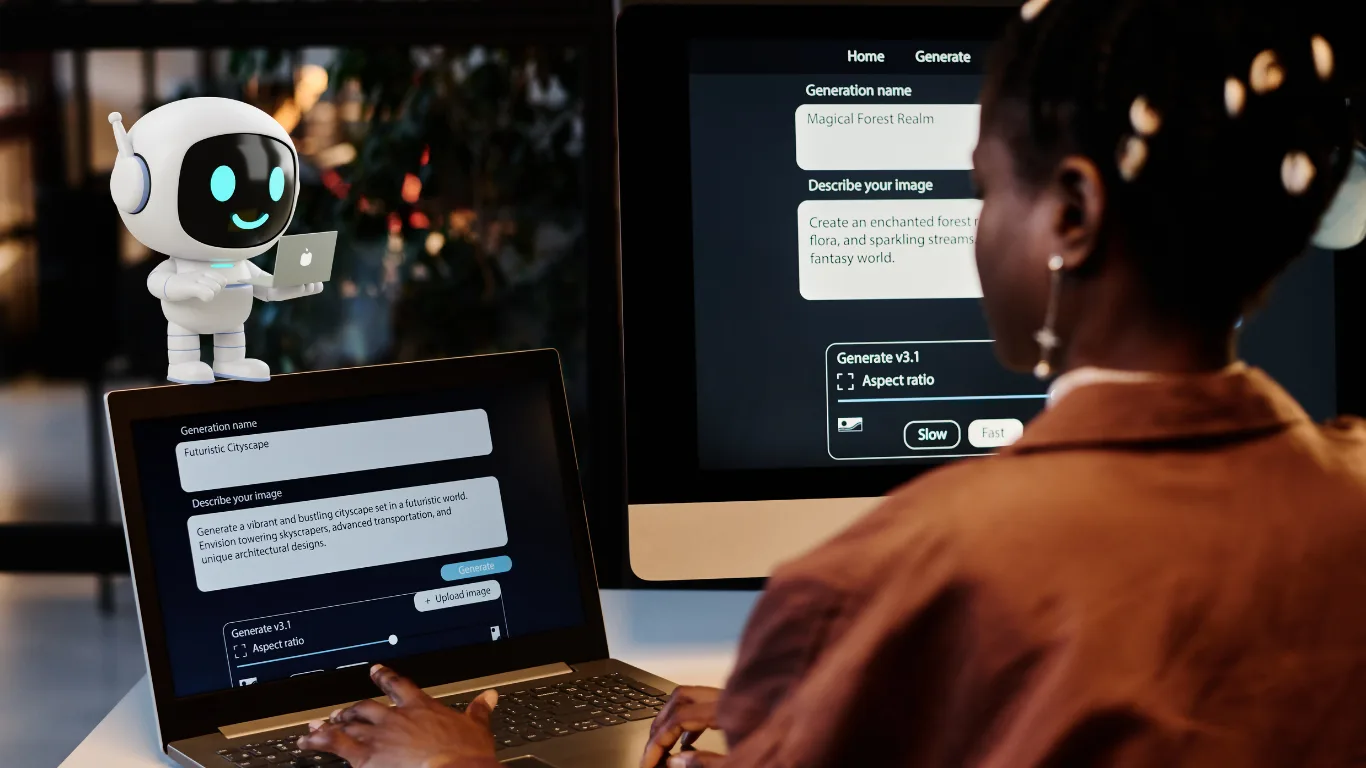
Three years ago, AI-generated video meant glitchy, five-second clips with melting hands and incoherent physics that went viral for being hilariously wrong. In 2026, the same technology produces cinematic footage that sits comfortably next to real film — natural motion, accurate lighting physics, coherent audio, and clips up to a minute long — in under two minutes from a single text prompt.
The AI video generation market has matured at a pace nobody predicted. What used to require expensive cameras, a professional crew, an editing suite, and days of post-production can now be done by a solo creator, a freelancer, or a small marketing team with a laptop and a subscription. According to 2026 pricing data, entry-level professional AI video plans now range from $25 to $45 per month, while high-end cinematic tools like Sora 2.0 or Runway Gen-4 command $95+ monthly — a fraction of what traditional production costs.
But with dozens of tools competing aggressively for your attention and budget, the real challenge is not finding an AI video generator — it is finding the right one for your specific use case. The best tool for a YouTuber creating cinematic B-roll is completely different from the best tool for a marketer building multilingual video ads, which is different again from the best tool for an e-learning producer making training content at scale.
In this guide, we cover the 7 best AI video generators in 2026 — what each one does, what makes it unique, its real pricing, who it is best for, and where to try it. We have also linked this to our broader coverage of the best time-saving AI tools in 2026 and the best AI voiceover tools — both of which pair naturally with an AI video workflow.
Why AI Video Generation Is Exploding in 2026
The numbers tell the story clearly. The global AI video generation market is growing at over 25% annually, driven by three simultaneous shifts: the collapse of video production costs, the explosion of short-form video content demand across Instagram Reels, YouTube Shorts, and LinkedIn, and the maturity of the underlying models — which have gone from experimental curiosities to production-ready tools in less than 36 months.
For Indian creators, marketers, and business owners specifically, AI video tools offer a genuinely transformative opportunity. Professional video production in India averages ₹50,000–₹5 lakh per project depending on scope. An AI video subscription at ₹2,000–₹8,000 per month that produces comparable quality for routine content needs represents a dramatic shift in who can afford to create video at volume — and how quickly they can do it. As we covered in our guide to how AI can generate income in 2026, video creation is one of the highest-leverage skills an AI-powered professional can build this year.
Here is a quick picture of the 7 tools we cover before diving into each one:
| Tool | Best For | Free Tier | Paid From |
| Runway Gen-4 | Creative teams, cinematic video | ✅ Limited | $12/month |
| Google Veo 3.1 | Realism, cinematic footage with audio | ✅ Rate-limited | $19.99/month (Gemini Advanced) |
| OpenAI Sora 2.0 | Narrative coherence, longer clips | ❌ Plus required | $20/month (ChatGPT Plus) |
| HeyGen | Multilingual avatar marketing video | ✅ 3 videos/month | $29/month |
| Luma AI Dream Machine | Cinematic B-roll, social content | ✅ 8 drafts/month | $9.99/month |
| Synthesia | Training, onboarding, corporate video | ✅ Limited | $29/month |
| Kling 3.0 | Stylised storytelling, motion quality | ✅ Daily credits | $10/month |
1. Runway Gen-4 — Best Overall AI Video Generator for Creative Teams
Time saved: 5-8 hours per video project
Runway is the best overall AI video generator for most creative teams in 2026, because it pairs current generation models with transparent per-second credit pricing. It has been the professional standard in AI video generation since its early days and has only extended that lead with the Gen-4 model, which delivers higher motion fidelity, better subject consistency across multi-shot sequences, and an integrated workspace that takes a project from text prompt all the way through to export without switching tools.
What makes Runway genuinely stand apart from every competitor is its creative suite approach. You do not just generate a clip — you generate, edit, extend, stylise, and export within the same platform. Features like frame interpolation, motion brush (paint motion direction onto specific areas of a still image), and multi-shot director mode (generating multiple angles from the same scene brief) give professional editors the kind of control they are used to from traditional NLEs.
Key Features
- Model: Gen-4 (current), with access to previous generation models for specific styles
- Output: Up to 4K, up to 16 seconds per clip (extendable)
- Motion Brush: Paint direction of movement onto specific elements in a still
- Multi-shot Director: Maintain visual consistency across multiple scenes
- Inpainting and Outpainting: Remove or extend elements in generated video
- Runway Camera Control: Define camera movement (dolly, pan, tilt, zoom) from a prompt
- Act-One: Facial expression transfer for avatar-style content
Pricing
- Free: 125 one-time credits (no watermark on first outputs)
- Standard: $12/month — 625 monthly credits, all Gen-4 models, no watermark
- Pro: $28/month — 2,250 monthly credits, 4K export, custom voice
- Unlimited: $76/month — unlimited SD generation, 2,250 HD credits
Best for: Video editors, creative agencies, content studios, and marketing teams who need a full professional workflow rather than just a generation tool.
🔗 Try Runway Gen-4: runwayml.com
2. Google Veo 3.1 — Best for Realism and Cinematic Quality
Time saved: 4-6 hours per cinematic production segment
Veo 3.1 produces the most realistic AI video in 2026. Google’s model leads on motion physics, environmental light, and camera behaviour that reads as filmed rather than generated. If you have watched any AI-generated video in the last six months and thought “that actually looks real,” there is a reasonable chance it was made with Veo. The model’s physics simulation — how water behaves, how fabric moves, how light reflects off wet pavement — is genuinely superior to every other tool on this list in 2026.
The built-in audio generation is what truly sets Veo 3.1 apart from competitors. Every generated clip comes with synchronised ambient audio — if you prompt a busy street scene, you get traffic noise, crowd murmur, and environmental sound timed precisely to the visual without any additional editing. No other free or low-cost tool in 2026 matches this level of integrated audio-visual coherence.
Key Features
- Industry-leading motion physics: Water, fabric, smoke, and environmental elements move naturally
- Native audio generation: Synchronised ambient sound generated alongside every clip
- Multiple quality tiers: Veo Lite (speed), Veo Fast (balance), Veo Quality (maximum realism)
- Video extension: Extend clips up to 12 seconds with coherent motion continuity
- Keyframe control: Define start and end frames for precise output control
- Google AI Studio access: Rate-limited free access with no credit expiry
Pricing
- Free: Google AI Studio — rate-limited (throttled per minute, not credit-capped)
- Gemini Advanced: $19.99/month — includes Veo access through Gemini
- Google AI Ultra: $249.99/month — full Veo Quality tier, highest output resolution
- Via Higgsfield: From $49/month — Veo 3.1 bundled with multi-model platform access
Best for: Filmmakers, documentary creators, brand video producers, and anyone who needs footage that could genuinely be mistaken for real camera work. The free Google AI Studio tier is the most underrated free AI video option in 2026.
🔗 Try Google Veo 3.1: deepmind.google/models/veo
3. OpenAI Sora 2.0 — Best for Narrative Coherence and Long-Form Clips
Time saved: 6-10 hours per narrative video project
OpenAI’s Sora has generated a massive amount of buzz, and for good reason. It excels at creating longer, more coherent videos with a strong sense of narrative. While other tools produce stunning individual clips, Sora 2.0’s real strength is maintaining visual and narrative consistency across extended sequences — characters look the same from shot to shot, environments remain coherent, and the story the AI builds around your prompt actually makes structural sense from beginning to end.
Sora 2.0 is the tool to reach for when you need a short film segment, a story-driven ad, or any video where multiple shots need to feel like they belong to the same world. It is also the only major AI video tool directly integrated with ChatGPT, meaning the entire workflow from script to video can happen within a single conversation interface.
Key Features
- Narrative coherence: Best multi-shot consistency of any AI video tool in 2026
- Video length: Up to 20 seconds per clip, extendable through continuation prompts
- Storyboard mode: Sequence multiple clips with shared visual identity
- ChatGPT integration: Script, refine, and generate video in the same interface
- Video Agent: Automates entire creation pipeline including B-roll from a single prompt
- Resolution: Up to 1080p (1080p and 4K on Pro plan)
- Style presets: Cinematic, anime, watercolour, stop-motion, and more
Pricing
- Free: Not available — requires ChatGPT Plus minimum
- ChatGPT Plus: $20/month — limited Sora access with usage caps
- ChatGPT Pro: $200/month — priority Sora 2.0 access, extended clip lengths
Best for: Storytellers, filmmakers, ad creative directors, and marketers who need multi-shot video sequences with visual and narrative continuity rather than standalone clips.
🔗 Try OpenAI Sora: sora.com
4. HeyGen — Best for Multilingual Avatar Marketing Video
Time saved: 3-5 hours per multilingual video variant
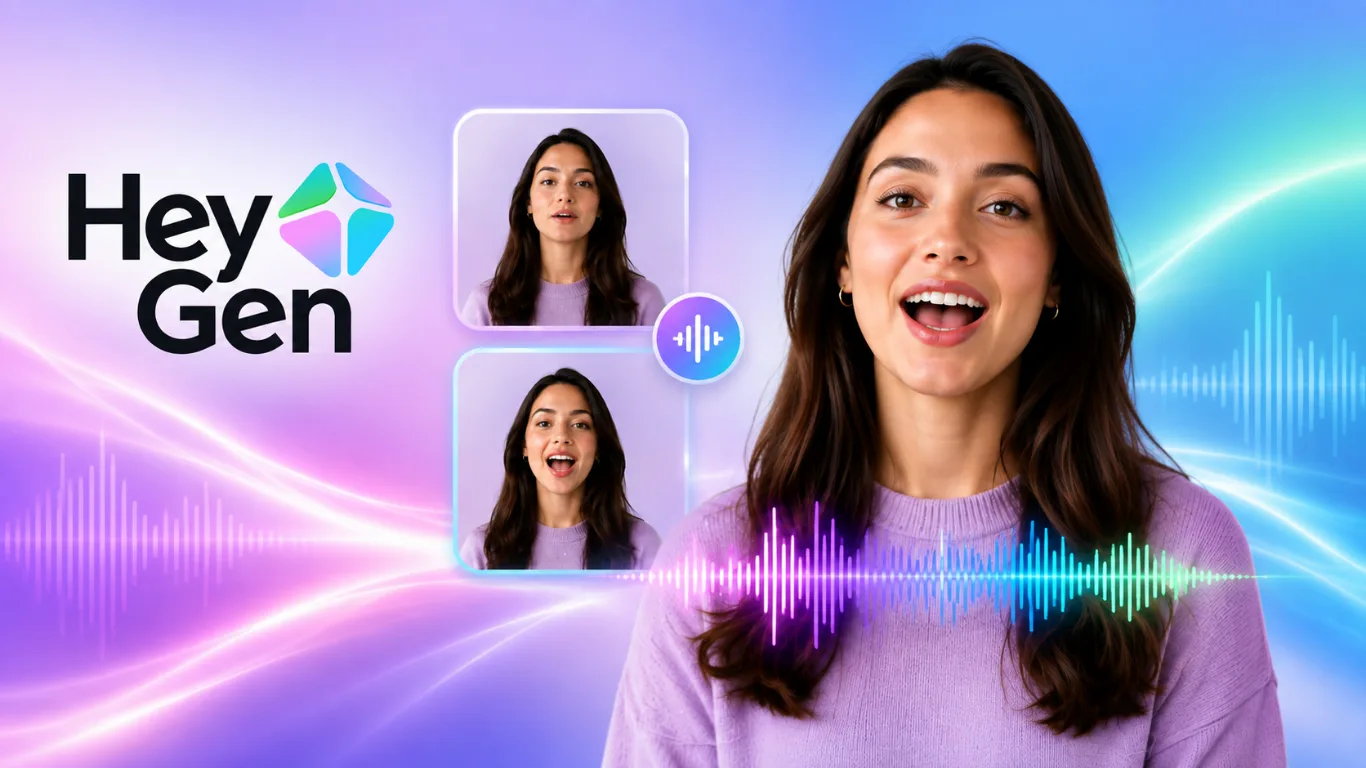
HeyGen occupies a unique position in the AI video landscape — it is not trying to generate photorealistic scenes from scratch. Instead, it specialises in creating AI avatar-led videos where a digital spokesperson presents your script, and then translating that video into dozens of languages with convincing lip-sync. For businesses targeting multilingual audiences, this is a transformational capability. A single English-language marketing video becomes 25 localised versions in an afternoon, each with a native-accent voiceover and matching lip movements.
Marketing teams that need avatar spokespeople in many languages should look at HeyGen. Its lip-sync technology is the most refined in the category, and its custom avatar creation (train a digital version of yourself or a brand spokesperson from video footage) has made it the default choice for businesses that want a consistent human face in their video content without scheduling recurring video shoots.
Key Features
- AI Avatars: 100+ prebuilt avatars, or create a custom avatar from your own footage
- Video Translation: 40+ languages with native lip-sync — the industry benchmark
- Script to Video: Paste a script, choose an avatar, generate a presenter-led video
- Talking Photo: Animate any still photo to speak a script
- Interactive Avatar: Real-time AI avatar for customer service and sales conversations
- 4K export: Available on Team plan and above
- API access: Automate video generation at scale for enterprise workflows
Pricing
- Free: 3 videos/month, 1-minute limit, watermarked
- Creator: $29/month — unlimited generated videos, no watermark, custom avatar
- Team: $39/seat/month — 4K export, 2 seats, collaboration features
Best for: B2B marketers, e-commerce brands, course creators, corporate trainers, and any business producing regular video content across multiple languages or needing a consistent digital spokesperson.
🔗 Try HeyGen: heygen.com
5. Luma AI Dream Machine — Best for Cinematic B-Roll and Social Content
Time saved: 2-3 hours per social content batch
Luma AI’s Dream Machine is the tool that has quietly become many content creators’ daily driver for social media video — and for good reason. It produces consistently beautiful, cinematic B-roll footage from minimal prompting, handles keyframe interpolation (define a start and end image and Luma builds the motion between them) better than almost any competitor, and runs through a clean, fast interface that does not require a steep learning curve.
The keyframe feature, which lets you define start and end images for the AI to interpolate between, gives more creative control than a prompt alone. For creators who work with moodboards or visual references rather than detailed written descriptions, this makes Dream Machine uniquely accessible. The pricing is also the most accessible of any quality tool on this list — the Lite plan at $9.99/month makes it a realistic starting point for individual creators and freelancers.
Key Features
- Keyframe interpolation: Set start and end images, AI creates the motion between them
- Text-to-video: Fast generation from text prompts with strong visual quality
- Image-to-video: Animate still images into video clips
- Video extension: Extend clips with coherent continuation motion
- 4K upscale: Available on Lite plan and above
- 30 videos/month free: One of the most generous free tiers in the segment
- No watermark: Even on free tier (rare in this category)
Pricing
- Free: 8 drafts/month, watermarked, limited resolution
- Lite: $9.99/month — 50 videos, 4K upscale, no watermark, commercial use
- Plus: $30/month — 150 videos, priority generation, higher resolution
- Pro: $90/month — 400 videos, fastest generation, all features
Best for: Individual content creators, Instagram and YouTube Shorts creators, social media managers, and freelancers who need a high-quality, low-friction tool for daily content production.
🔗 Try Luma AI Dream Machine: lumalabs.ai/dream-machine
6. Synthesia — Best for Corporate Training and E-Learning Video
Time saved: 8-12 hours per training module
For scripted training video, Synthesia and Colossyan are stronger than any other tool category in this guide. Synthesia is purpose-built for the corporate use case — it produces clean, professional presenter-led videos from scripts at a scale and consistency that is impossible to achieve with traditional video production. Its AI avatars are among the most photorealistic available, and its SCORM export capability (required for LMS integration) is a feature no other tool on this list offers.
What makes Synthesia particularly powerful for Indian businesses and e-learning creators is the language depth. It supports over 140 languages and voices — including Hindi, Tamil, Telugu, Bengali, Marathi, and Gujarati — with regional accents and natural prosody. A corporate training video recorded in English can be localised into every major Indian regional language within minutes, each with a culturally appropriate voice and lip-sync.
Key Features
- 160+ AI avatars: Most photorealistic business avatars in the category
- 140+ languages: Including Hindi and major Indian regional languages
- SCORM export: Direct LMS integration for corporate training delivery
- Custom AI Avatar: Create a digital twin of yourself or a colleague
- Brand Kit: Logos, colours, fonts, and templates applied automatically
- Screen recording integration: Combine AI avatar with software demo recordings
- Video analytics: Track completion rates, drop-off points, and engagement
Pricing
- Free: 3 video minutes/month, limited avatars
- Starter: $29/month — 10 video minutes, all avatars, SCORM export
- Creator: $89/month — 30 video minutes, custom avatar, brand kit
- Enterprise: Custom pricing — SSO, dedicated CSM, API access
Best for: HR teams, L&D professionals, online course creators, SaaS companies building onboarding content, and any organisation producing training video at scale in multiple languages.
🔗 Try Synthesia: synthesia.io
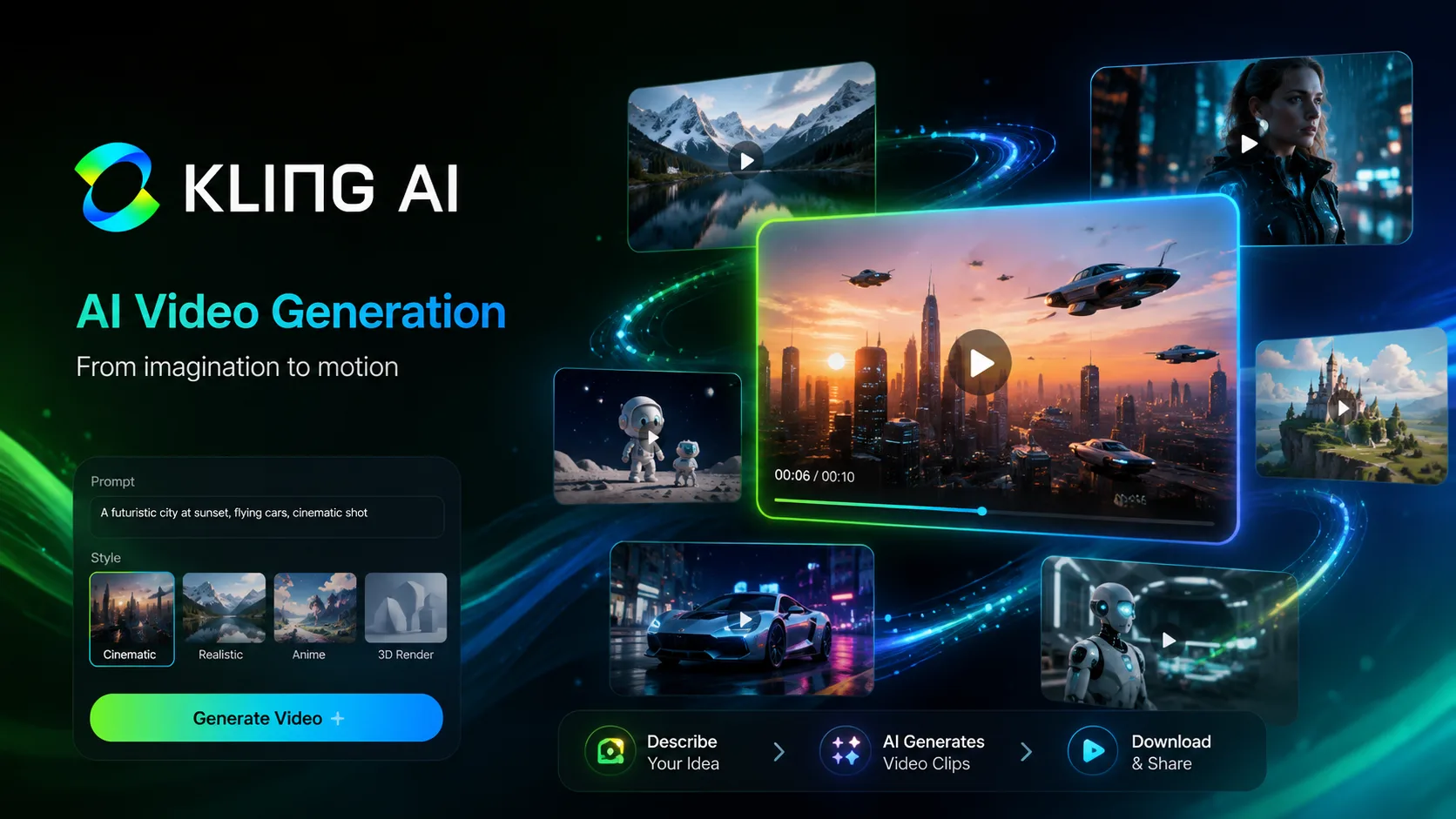
7. Kling 3.0 — Best for Stylised Storytelling and Motion Quality
Time saved: 3-4 hours per stylised content project
Kling 3.0 from Kuaishou Technology has emerged in 2026 as one of the most capable AI video generators for stylised, artistic video content — and its motion quality rivals Veo 3.1 in specific use cases, particularly character animation and expressive movement. Where Veo leads on photorealism and environmental physics, Kling 3.0 leads on stylised storytelling — anime, illustration-based content, dramatic character motion, and visually expressive short-form narratives.
For Indian creators in the entertainment, music video, and animation spaces, Kling 3.0 offers something that none of the Western-dominated tools quite replicate: a model trained extensively on diverse Asian visual aesthetics that handles different body types, skin tones, and cultural contexts more naturally than competitors.
Key Features
- Motion quality: Best character animation and expressive movement in its class
- Video length: Up to 10 seconds per clip (extendable)
- Lip Sync: Built-in audio-to-lip-sync for character dialogue
- Camera control: Define pan, tilt, zoom, and track from a prompt
- Image animation: Upload a still and animate specific elements
- Style reference: Upload a style reference image and apply it to generated video
- Turbo mode: Kling 3.0 Turbo generates clips 3x faster at reduced quality
Pricing
- Free: Daily credit reset — approximately 3-5 generations per day
- Basic: ~$10/month — 660 monthly credits
- Standard: ~$35/month — 3,000 monthly credits, priority generation
- Pro: ~$95/month — 8,000 monthly credits, highest quality mode
Best for: Animation creators, music video directors, storytellers, indie filmmakers, and creators building stylised social content — especially those who want expressive character motion rather than pure photorealism.
🔗 Try Kling AI: klingai.com

How to Choose the Right AI Video Generator for Your Needs
With seven strong options covering different needs, the choice comes down to your primary use case. Here is a practical decision guide:
| Your Primary Need | Best Tool | Why |
| Cinematic B-roll and creative video | Runway Gen-4 | Full professional workflow, best creative control |
| Photorealistic footage | Google Veo 3.1 | Best motion physics and environmental realism |
| Multi-shot narrative storytelling | OpenAI Sora 2.0 | Best cross-shot consistency and narrative coherence |
| Multilingual avatar marketing | HeyGen | Best lip-sync translation, 40+ languages |
| Daily social media content | Luma AI Dream Machine | Fastest workflow, best free tier, affordable paid plans |
| Corporate training and e-learning | Synthesia | SCORM export, 140 languages, photorealistic presenters |
| Stylised and animated content | Kling 3.0 | Best character motion, strong anime and stylised output |
The key insight from testing all seven tools is this: no single AI video generator is the best for every use case. The biggest mistake buyers make is choosing the most famous name (usually Sora or Runway) for every project, when a more specialised tool like HeyGen or Synthesia would produce dramatically better results for their specific workflow. Start with the tool that matches your primary use case, test it on your actual content, and expand from there.
For Indian users and businesses, it is also worth factoring in the USD-to-INR conversion when evaluating pricing. A $29/month plan translates to approximately ₹2,400/month — well within the budget of most small businesses and individual creators when weighed against the production time and cost it replaces. The AI-powered content strategy that these tools enable is increasingly what separates brands winning online from those producing content that never finds an audience.
Frequently Asked Questions
Q1. What is the best AI video generator in 2026?
There is no single “best” — it depends on your use case. Runway Gen-4 is the best overall for creative teams. Google Veo 3.1 produces the most photorealistic footage. Sora 2.0 is best for narrative storytelling. HeyGen is best for multilingual avatar videos. Luma AI is the best value for social content creators.
Q2. Are AI video generators free to use?
Most tools offer free tiers with limitations. Google Veo 3.1 via Google AI Studio is rate-limited but genuinely free. Luma AI offers 8 free drafts per month. HeyGen gives 3 free videos per month. Kling 3.0 resets daily credits. Sora 2.0 requires a paid ChatGPT subscription.
Q3. What is the best free AI video generator in 2026?
Google Veo 3.1 through Google AI Studio is the most powerful free option — rate-limited rather than credit-capped, with native audio generation that no other free tool matches. Kling 3.0‘s daily credit reset is also excellent for consistent low-volume creation.
Q4. Which AI video generator is best for YouTube content?
Runway Gen-4 and Luma AI Dream Machine are the top choices for YouTube — Runway for longer, more complex productions and Luma for high-quality B-roll and social shorts. Both support watermark-free output on paid plans.
Q5. Can AI video generators make videos in Hindi?
Yes. Synthesia is the strongest option for Hindi content with its 140+ language support including Hindi, Tamil, Telugu, Bengali, Marathi, and Gujarati with regional accents. HeyGen also supports Hindi translation with lip-sync, though with fewer regional accent options.
Q6. How much do AI video generators cost in India?
Converting USD to INR (approximately ₹84 per dollar as of July 2026): Luma AI Lite costs ~₹840/month, HeyGen Creator ~₹2,436/month, Runway Standard ~₹1,008/month, Synthesia Starter ~₹2,436/month, and Kling Basic ~₹840/month.
Q7. What is the difference between Runway and Sora?
Runway Gen-4 is a full creative suite — generate, edit, extend, and stylise video in one platform with per-second credit pricing and strong editing tools. Sora 2.0 excels at narrative coherence across multi-shot sequences but has less editing flexibility. Use Runway for creative control and editing workflows; use Sora when cross-shot visual consistency is the priority.
Q8. Is HeyGen good for creating training videos?
HeyGen is good for avatar-based training with multilingual needs, but Synthesia is better for dedicated corporate training — it has SCORM export for LMS integration, deeper language support, video analytics, and purpose-built templates for training content that HeyGen does not offer.
Q9. Can I use AI video generators for commercial purposes?
Yes, on paid plans. Most tools restrict commercial use to their paid tiers — always check the specific plan’s terms before using AI-generated video in commercial advertising, paid campaigns, or monetised content. Luma AI and HeyGen both confirm commercial use on their Lite/Creator plans respectively.
Q10. Which AI video tool is best for Instagram Reels and YouTube Shorts?
Luma AI Dream Machine is the top choice for short-form social video in 2026 — fast generation, excellent visual quality, a generous free tier, and a workflow optimised for quick content production. Kling 3.0 is a strong second choice for stylised or animated social content.
Final Thoughts
AI video generation has crossed a threshold in 2026 — these are no longer experimental toys but genuine production tools used by professional studios, global brands, and individual creators at scale. The choice between these seven tools is not about finding the “best” one — it is about matching the tool to the job.
Start with Luma AI’s free tier if you are new to AI video and want to experiment without committing to a subscription. Graduate to Runway if you need a full professional workflow. Pick Google Veo 3.1 when realism is non-negotiable. Choose HeyGen the moment multilingual or avatar-led content becomes a priority. And explore Kling 3.0 if your content has a distinct stylised or animated character.
The future of video content is AI-assisted — not because AI will replace creative vision, but because it will handle the mechanical production work that currently consumes most of a creator’s time, leaving the actual creative thinking to the humans who are best equipped for it.
Which AI video generator are you planning to try first? Tell us in the comments — and share what type of content you create so we can give you a more specific recommendation.
*All pricing data in this article was verified against official pricing pages as of July 2026. AI tool pricing and features change frequently — always verify current plans on each tool’s official website before subscribing.


0 Comments